
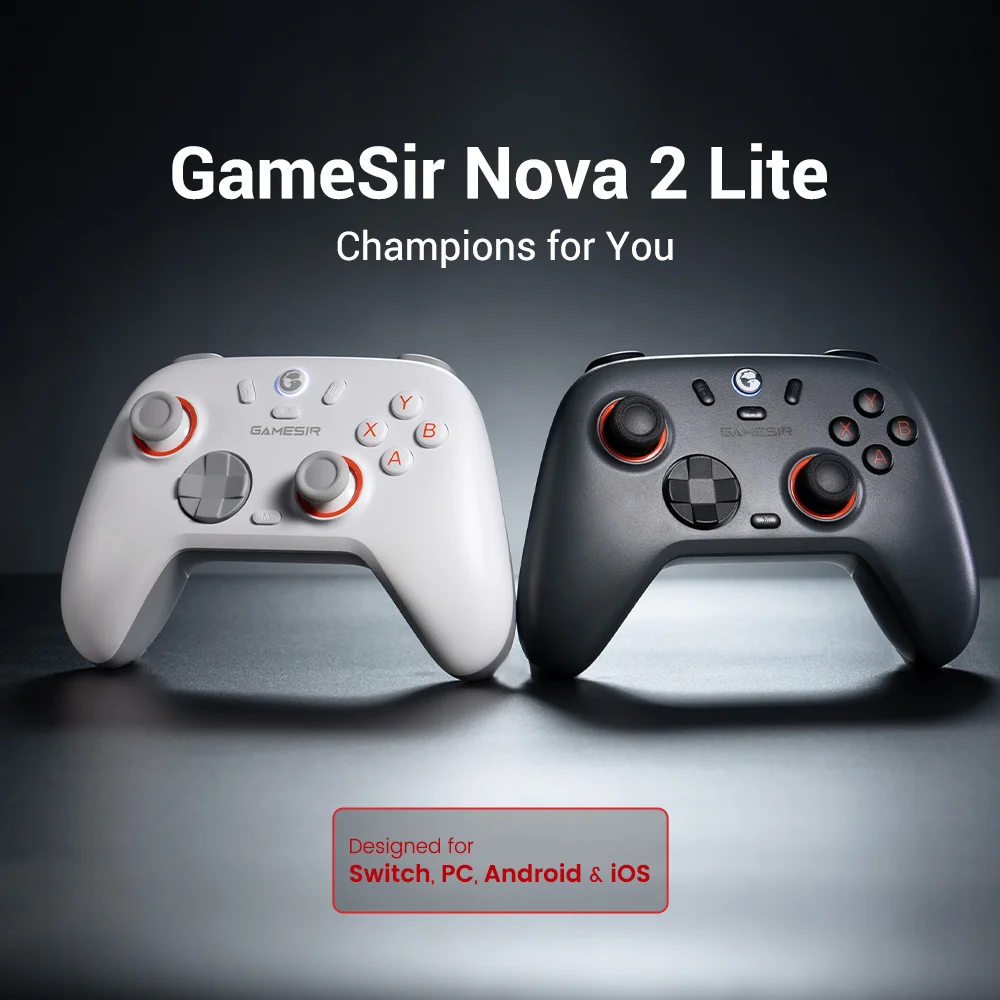
GameSir Nova 2 Lite Wireless Switch Controller Bluetooth Gamepad with Hall Effect for Nintendo Switch, iPhone, Android, PC
White Set / China Mainland
Sale price
$71.98
Regular price $143.96
Skip to product information


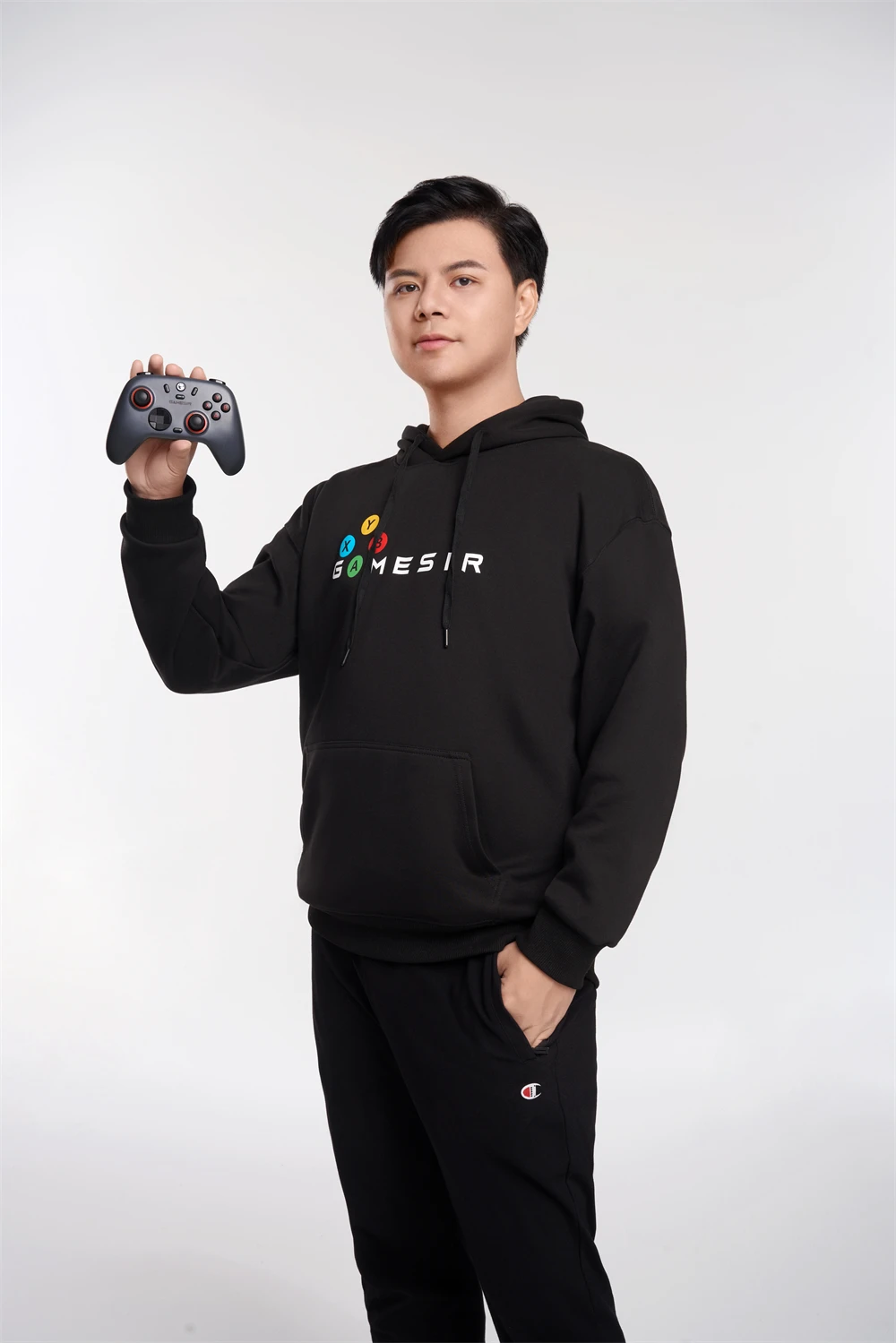
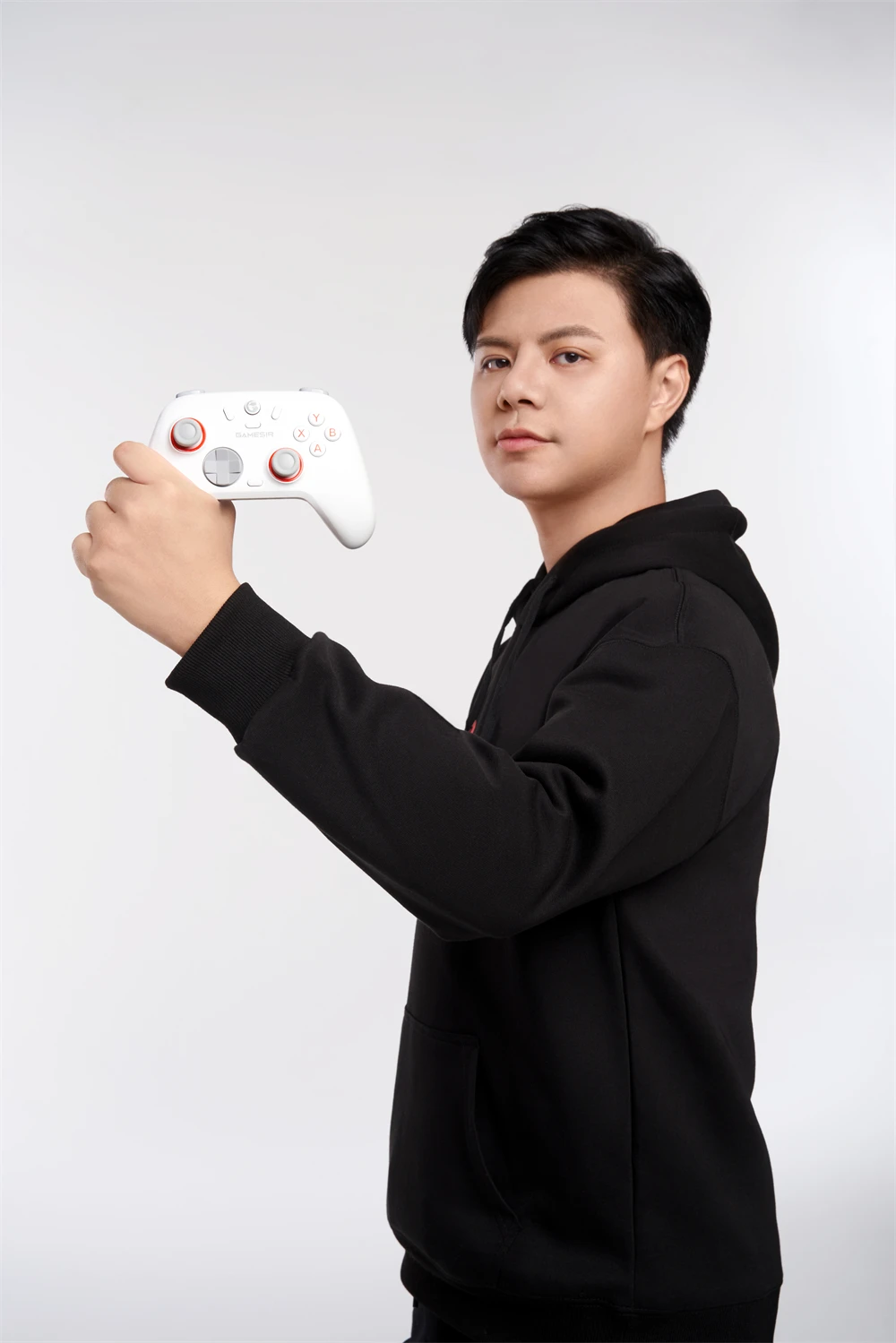
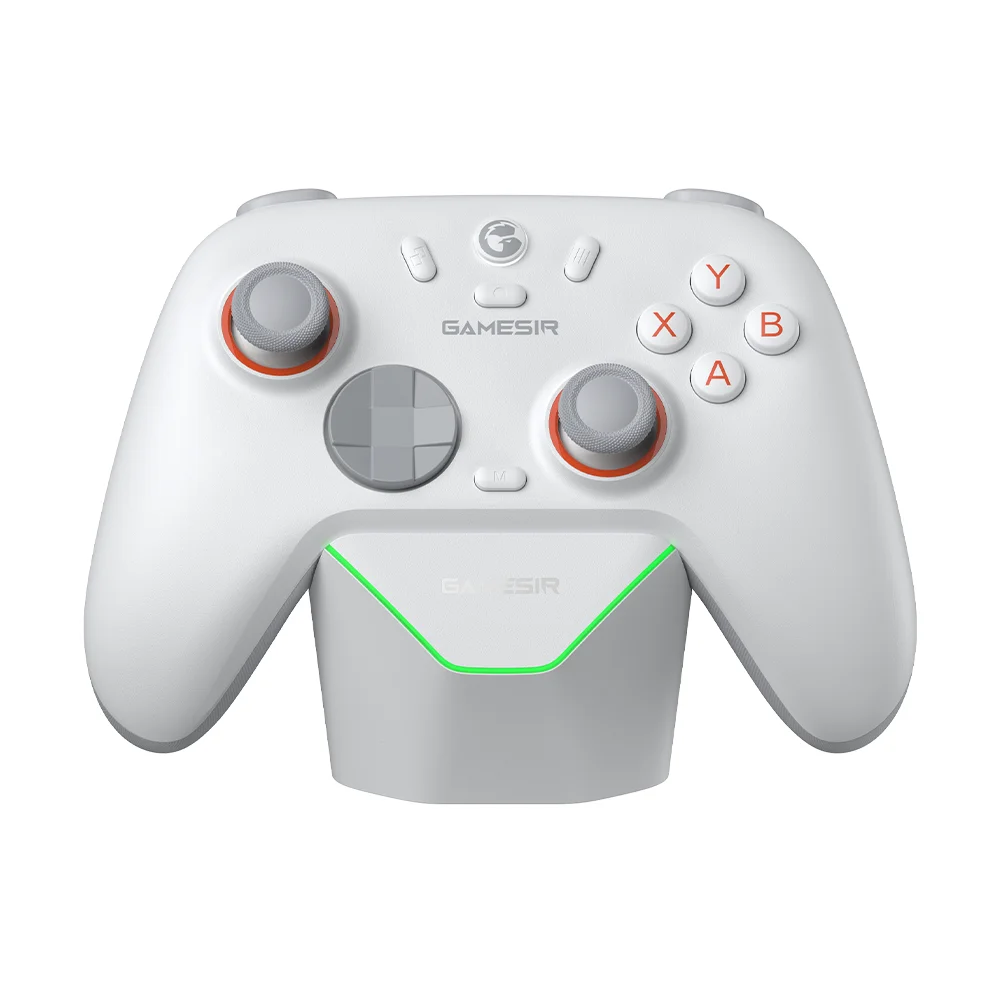
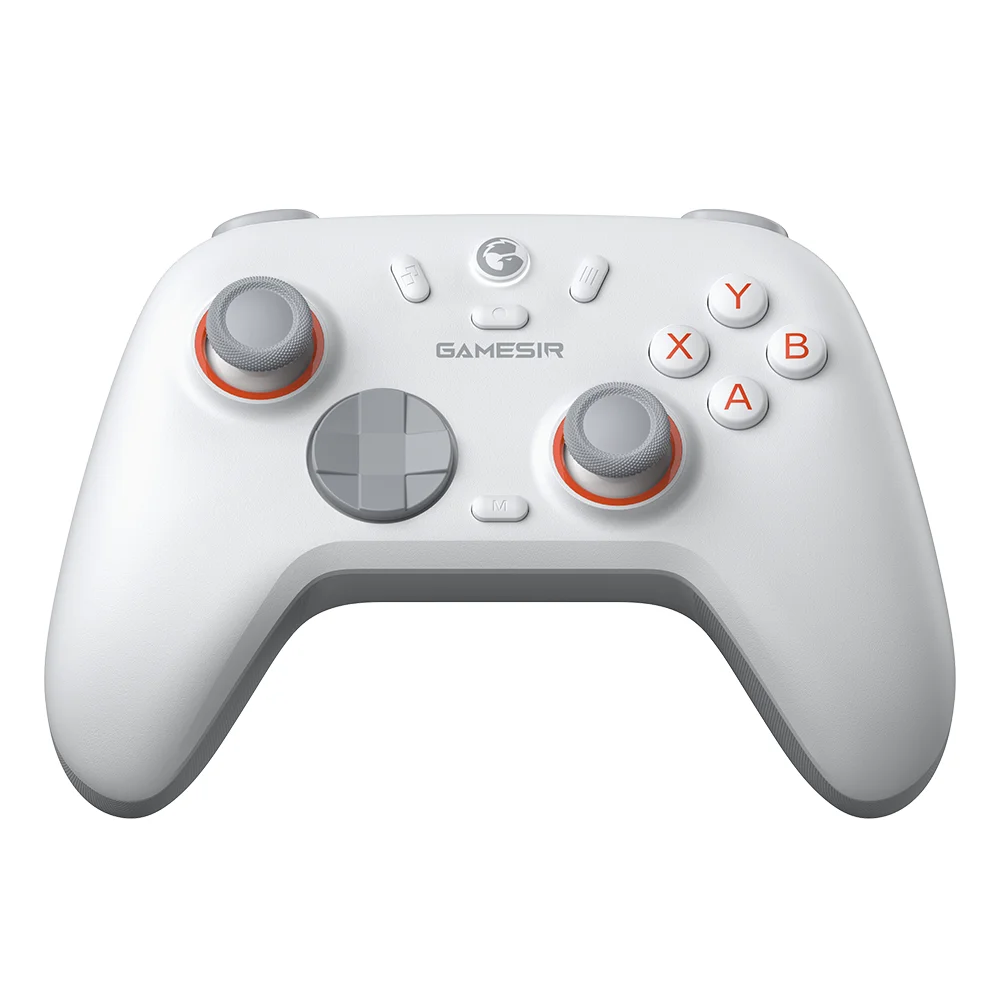


GameSir Nova 2 Lite Wireless Switch Controller Bluetooth Gamepad with Hall Effect for Nintendo Switch, iPhone, Android, PC
Sale price
$71.98
Regular price $143.96
Shipping calculated at checkout.
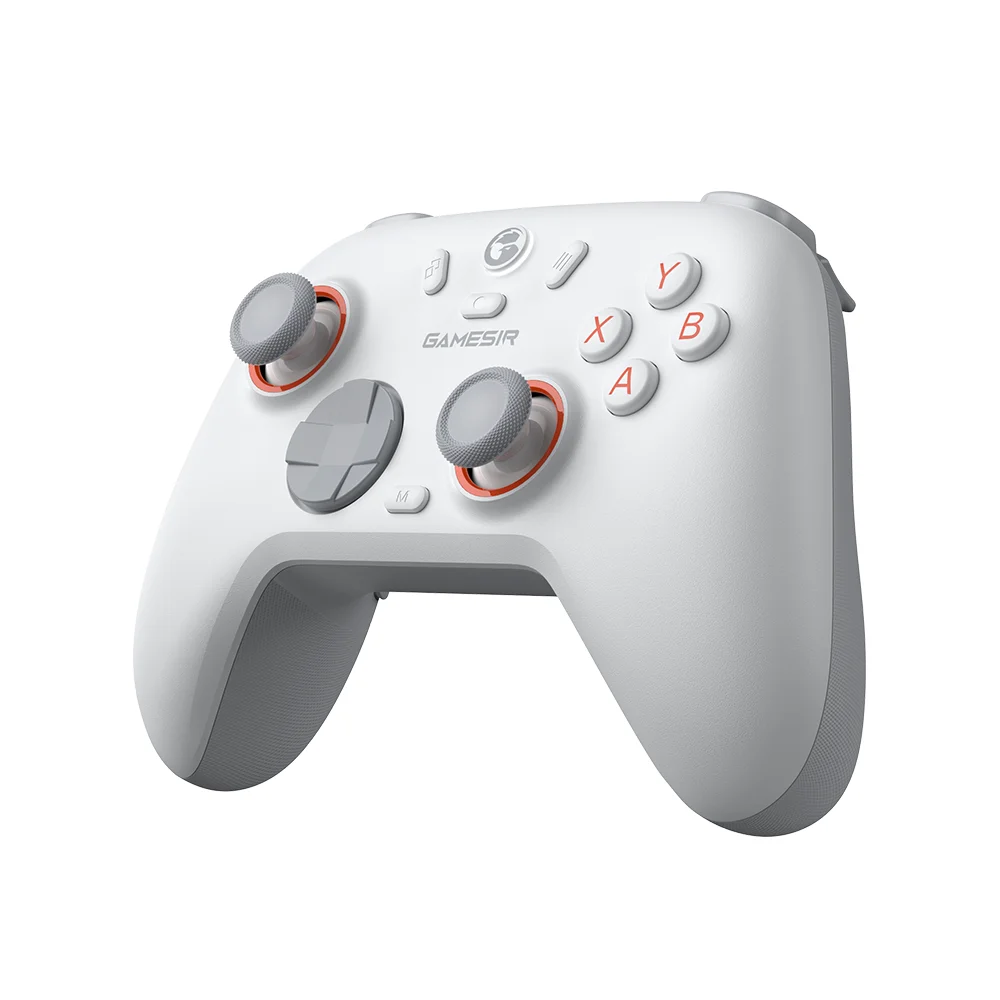
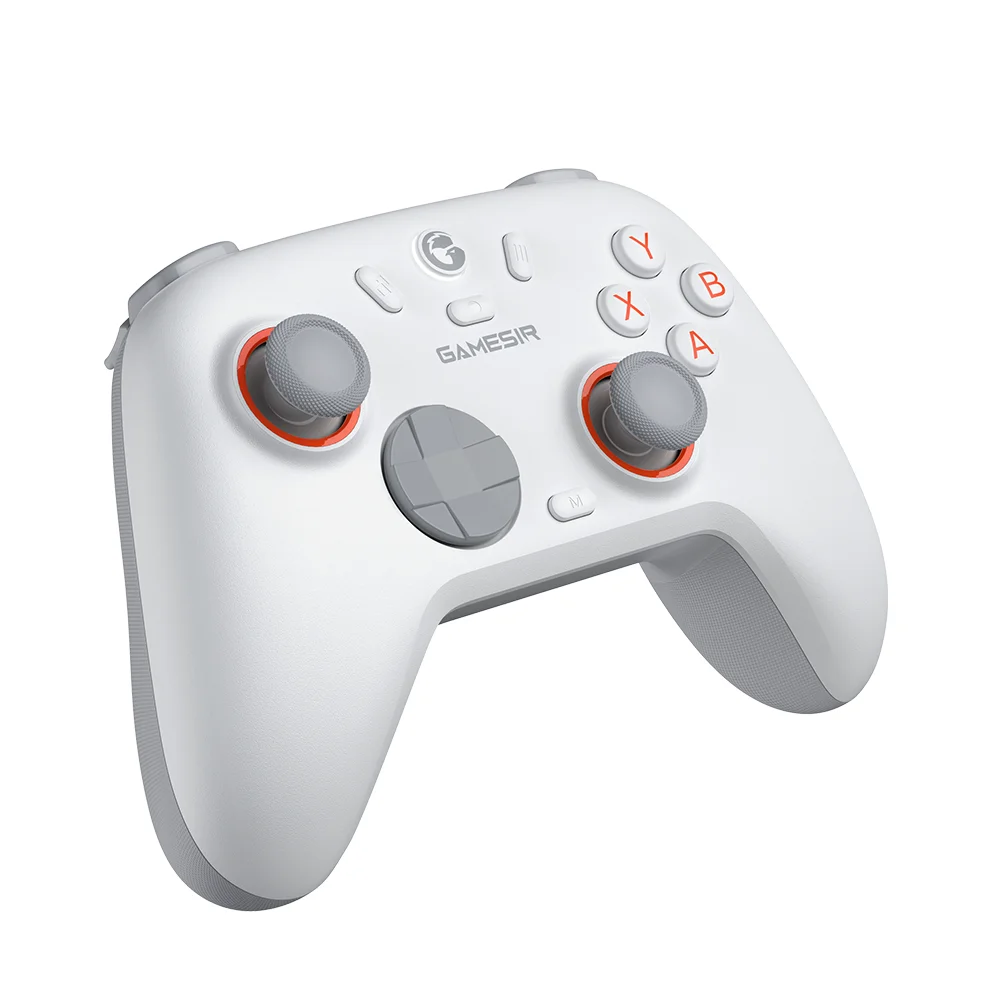
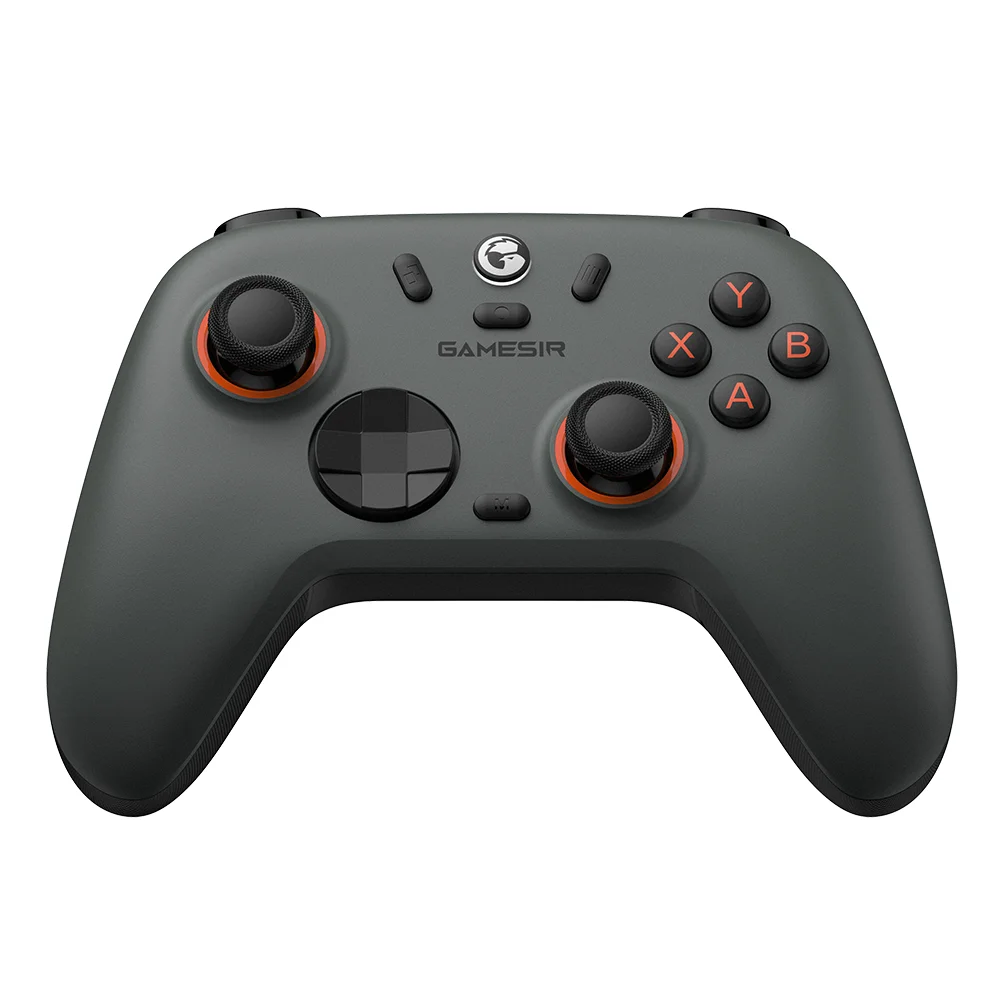
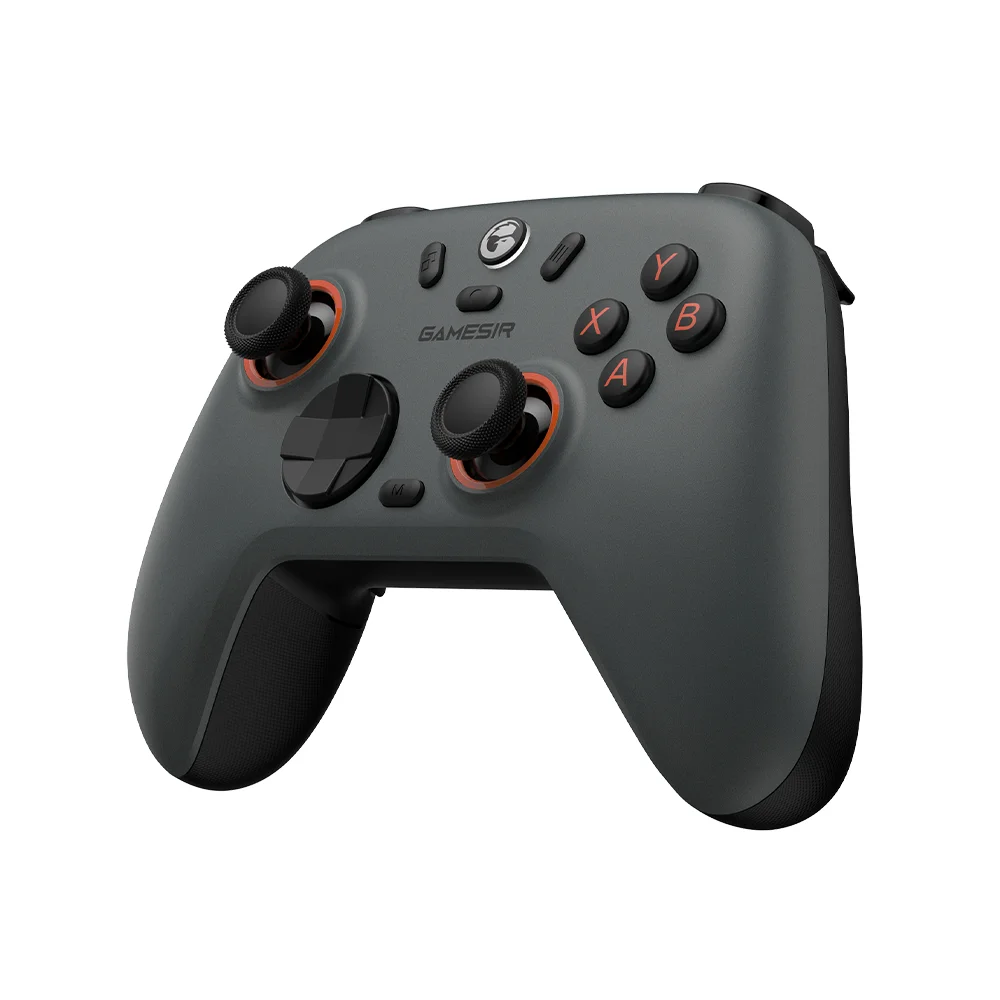
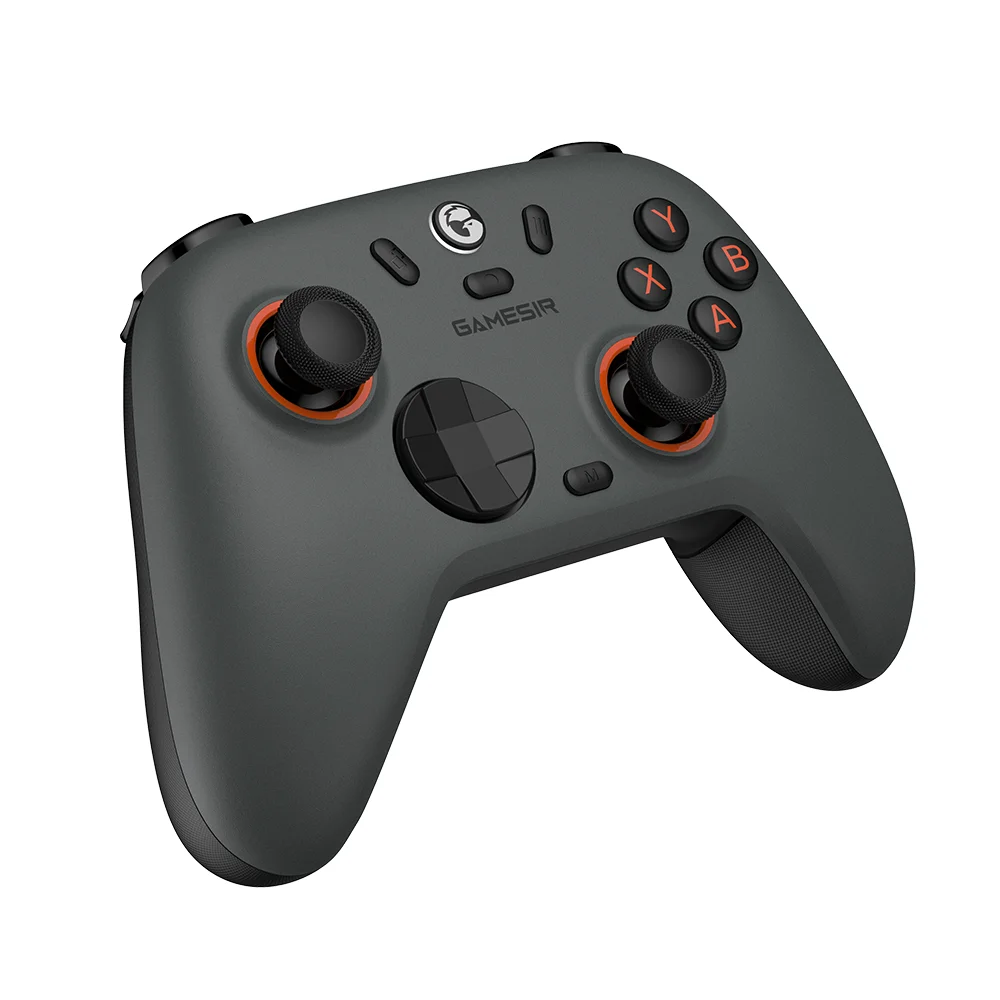
Meet the ultimate GameSir Nova 2 Lite wireless game controller, featuring a mechanical circular D-pad specially tuned by XiaoHai. With ultra-low button and stick latency and a 1000Hz polling rate, you’ll enjoy smooth, responsive, and lag-free gameplay. The two-stage trigger stops let you customize for any game. Plus, it’s compatible with a charging station for added convenience. Whether you're just starting out or looking to level up, the Nova 2 Lite is the perfect entry-level choice for fighting game enthusiasts - combining precision, performance, and accessibility in one sleek package.
Tri-mode connectivity for multi-platform compatibility
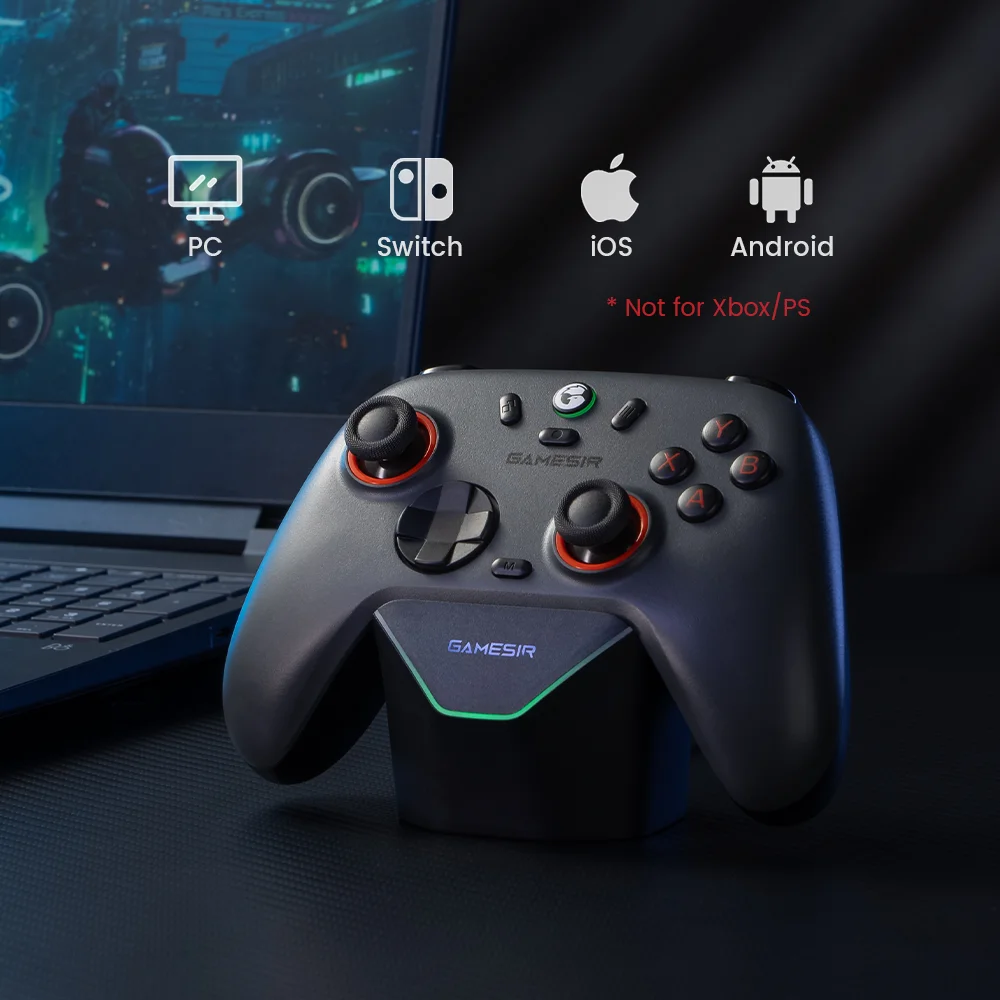
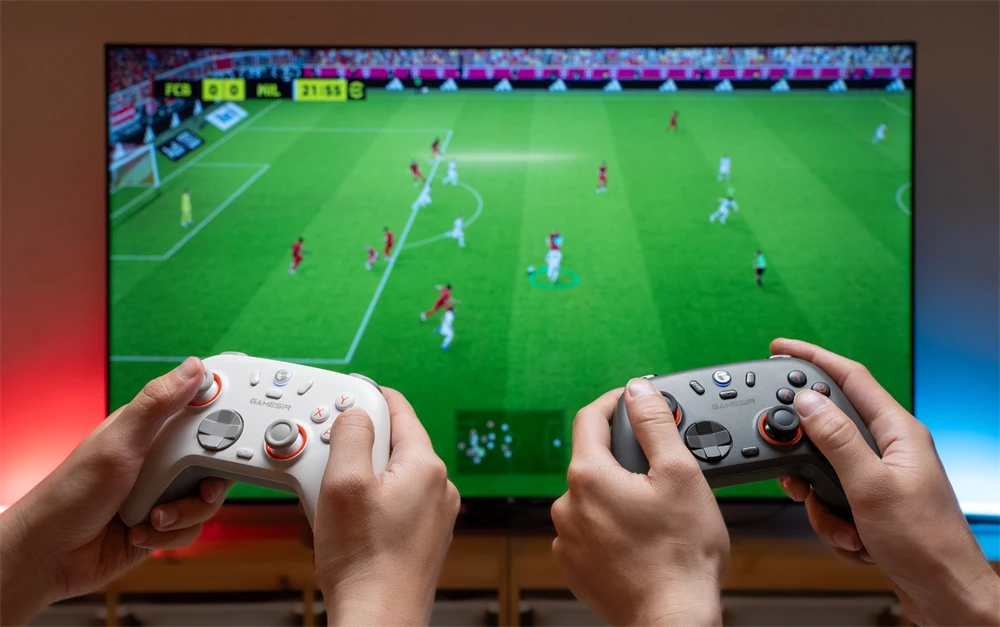
The Nova 2 Lite offers versatile connectivity, seamlessly working with Switch, PC, Android, and iOS devices via Bluetooth, wired, and wireless dongle connections.
1000Hz polling rate for wired and wireless dongle connections
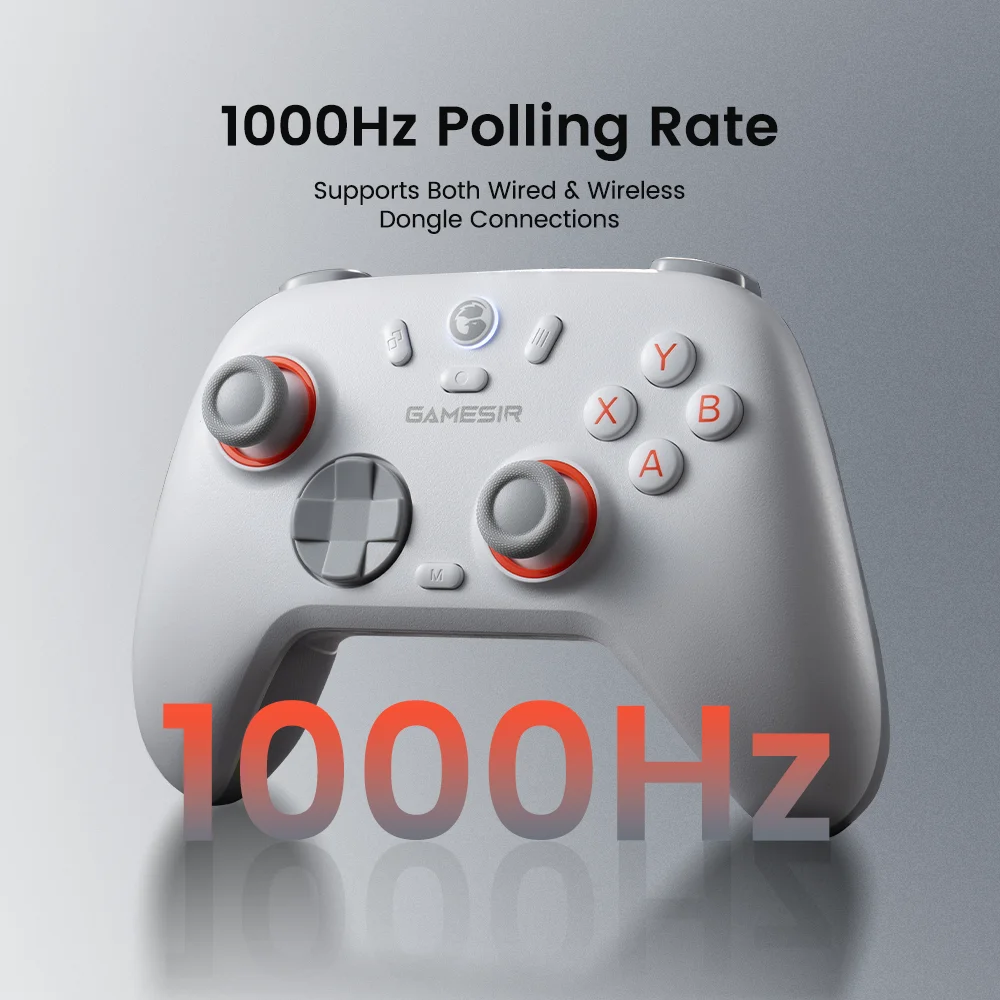
Enjoy an ultra-responsive gaming experience with a 1000Hz polling rate. This ensures that your inputs are registered almost instantaneously, minimizing lag and maximizing your performance during competitive play.
Mechanical circular D-pad for responsive inputs - specially tuned by XiaoHai
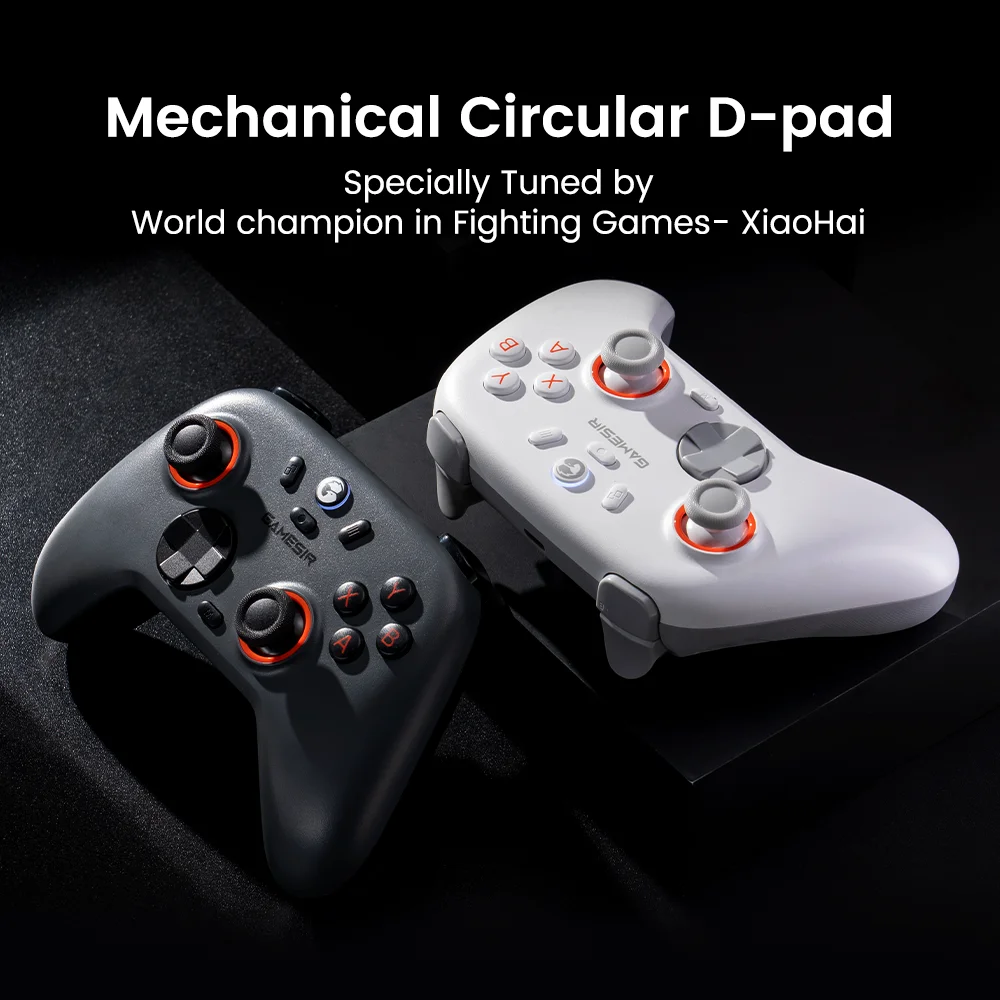
Experience precise, responsive inputs with the mechanical circular D-pad, specially tuned by XiaoHai. Designed for quick reactions and accuracy in every direction, this D-pad elevates your gaming experience with superior responsiveness.
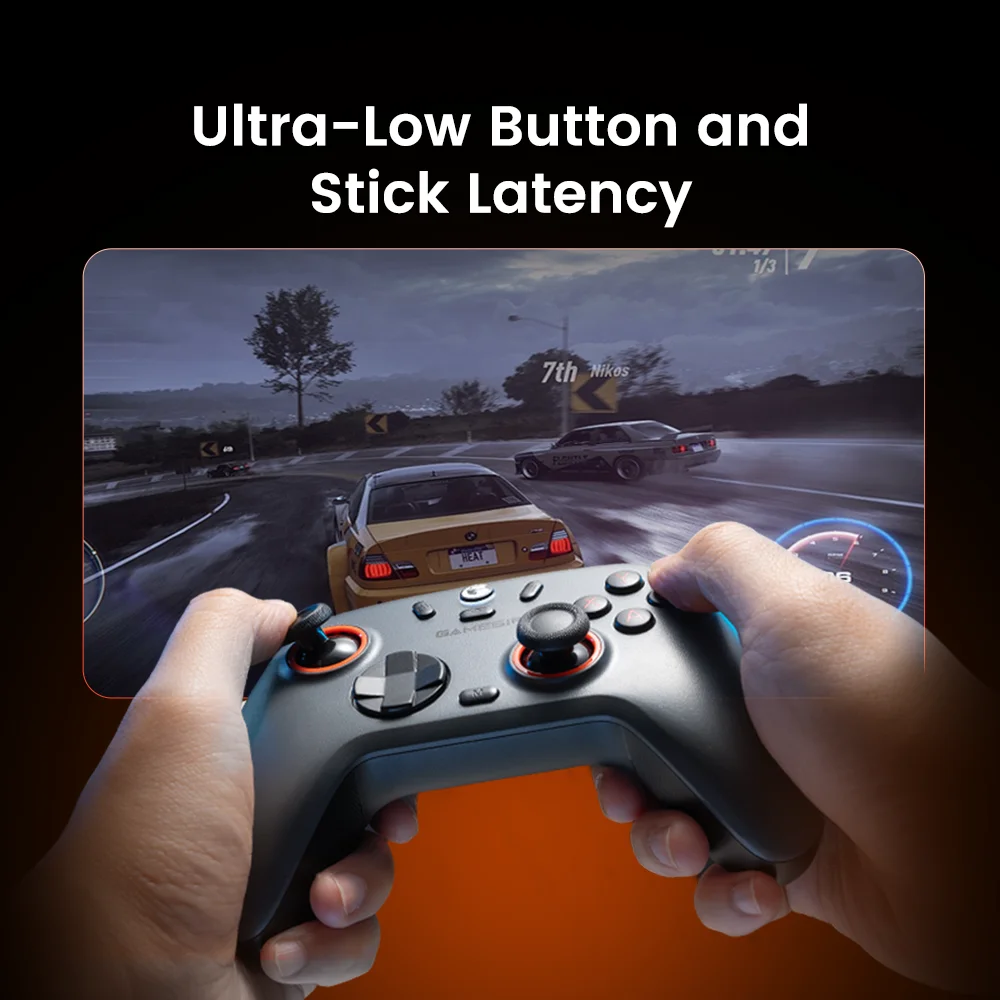
Ultra-low button and stick latency for instant response
Experience lightning-quick button and stick responses with ultra-low latency, giving you precise control and near-instant feedback. Stay in the action with flawless performance that enhances your gameplay in every move.
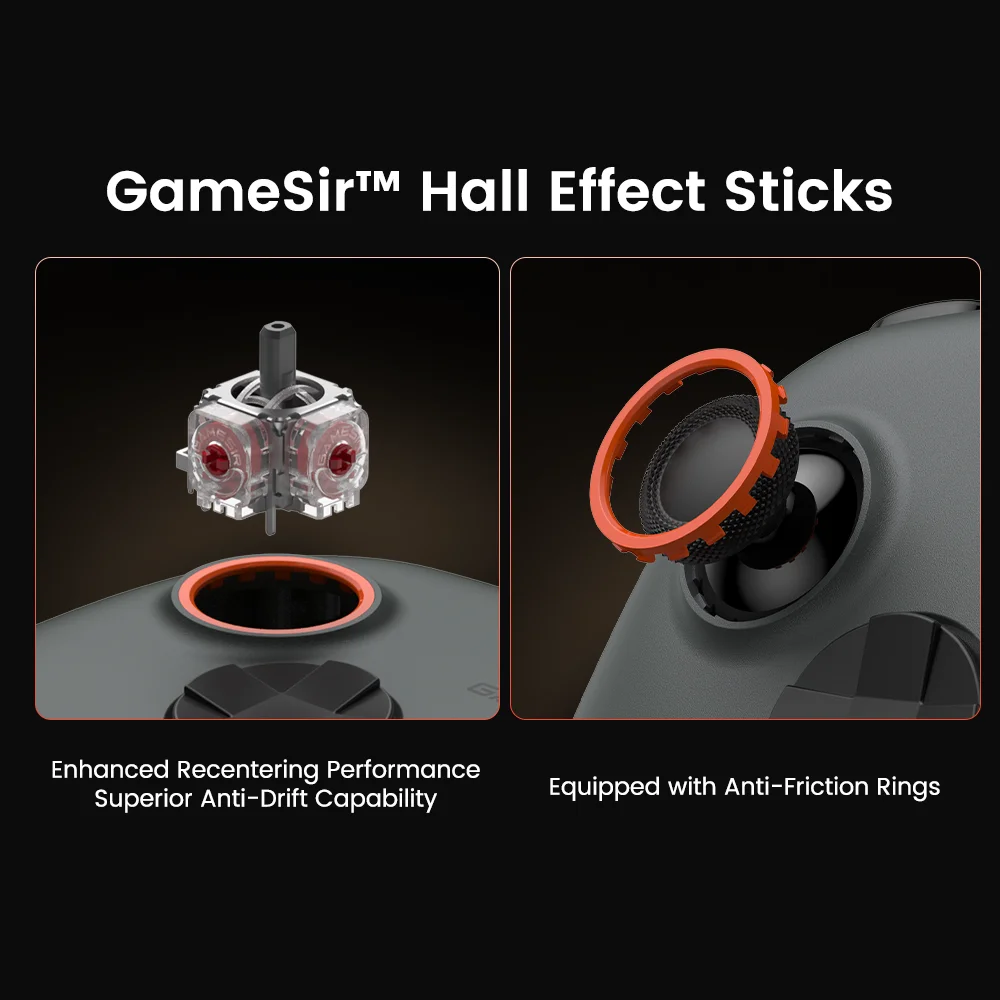
GameSir™ Hall Effect sensing joysticks - anti-drift and ultra-durable
The Nova 2 Lite features GameSir™ Hall Effect joystick, delivering enhanced recentering performance for smoother control and superior anti-drift capability. Plus, with anti-friction rings, it minimizes stick grinding, extends usage time, and guarantees ultra-durability.
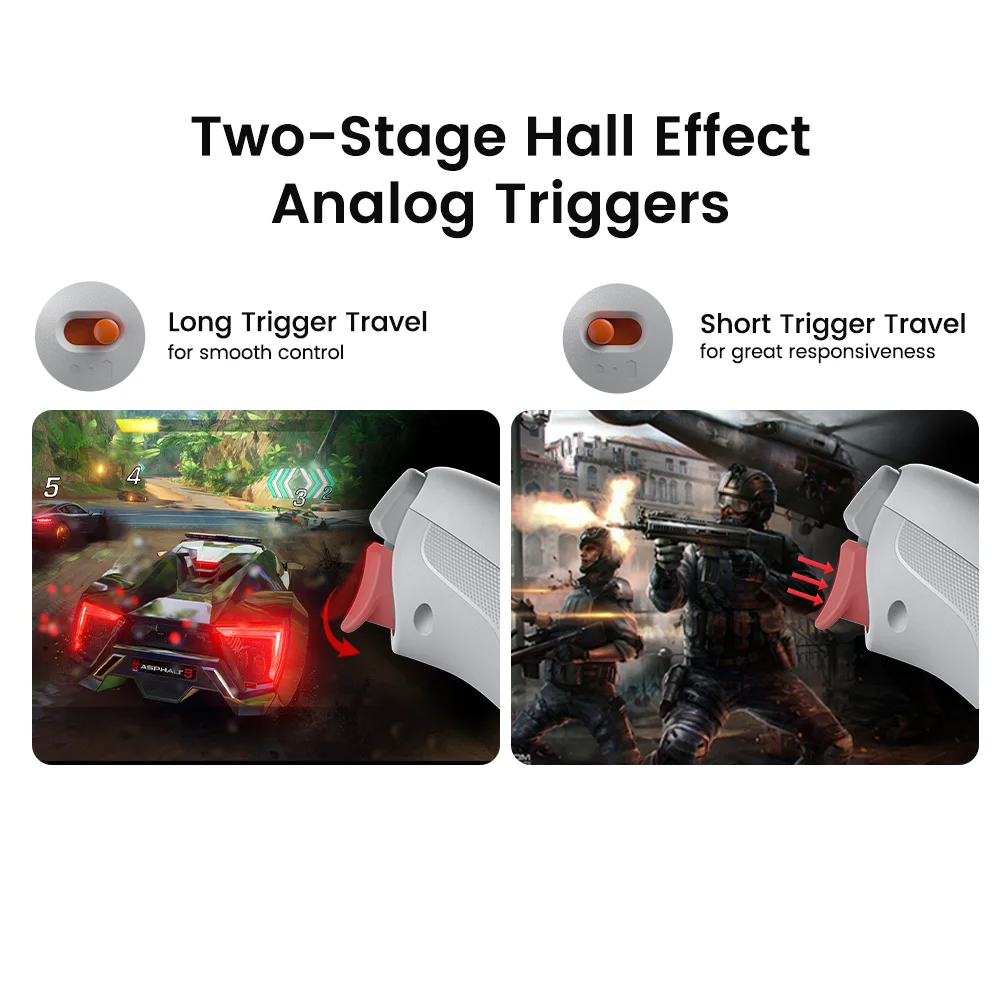
Precision-tuned Hall Effect triggers with trigger stops
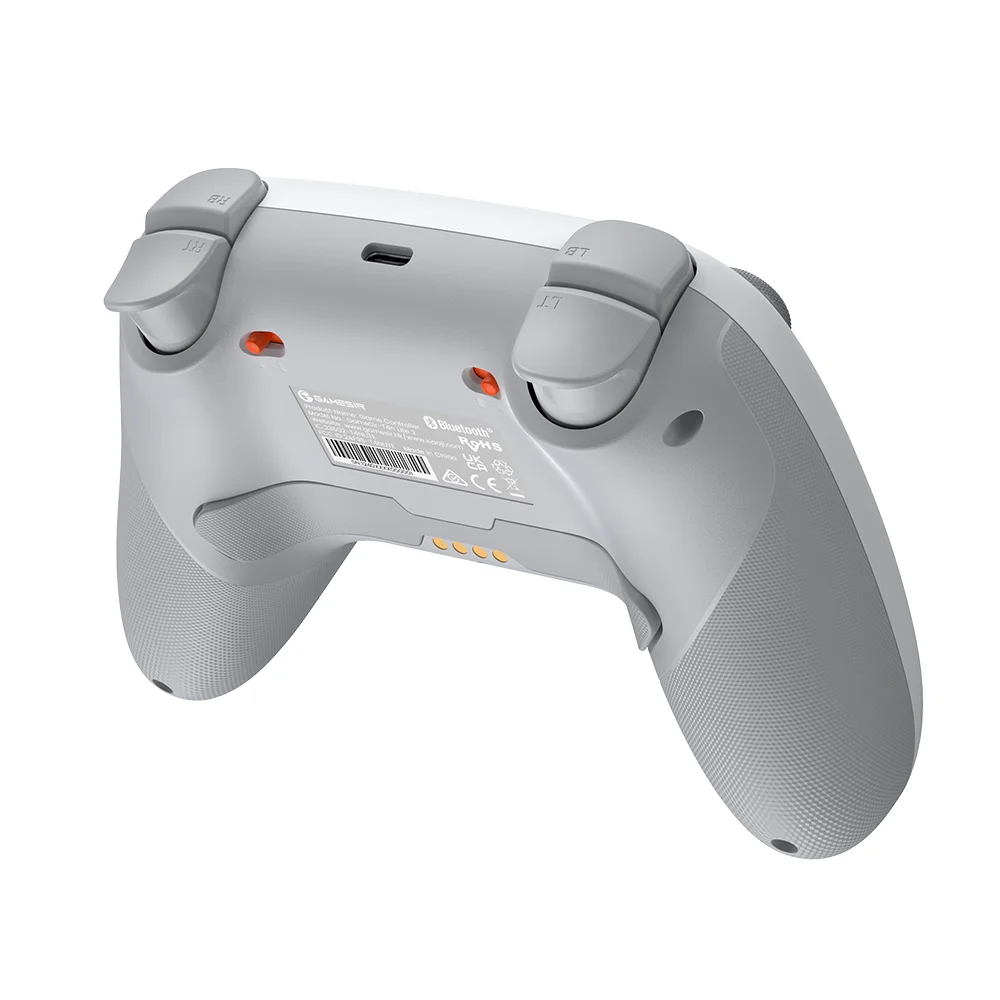
GameSir’s precision-tuned Hall Effect analog triggers provide unparalleled smoothness and responsiveness. With trigger stops, gamers can toggle between short and long pull positions. Additionally, gamers can activate hair trigger mode by pressing M+LT/RT (triggers must be in the long pull position). Whether you need precise linear control or ultimate responsiveness, the Nova 2 Lite gives you the competitive edge.
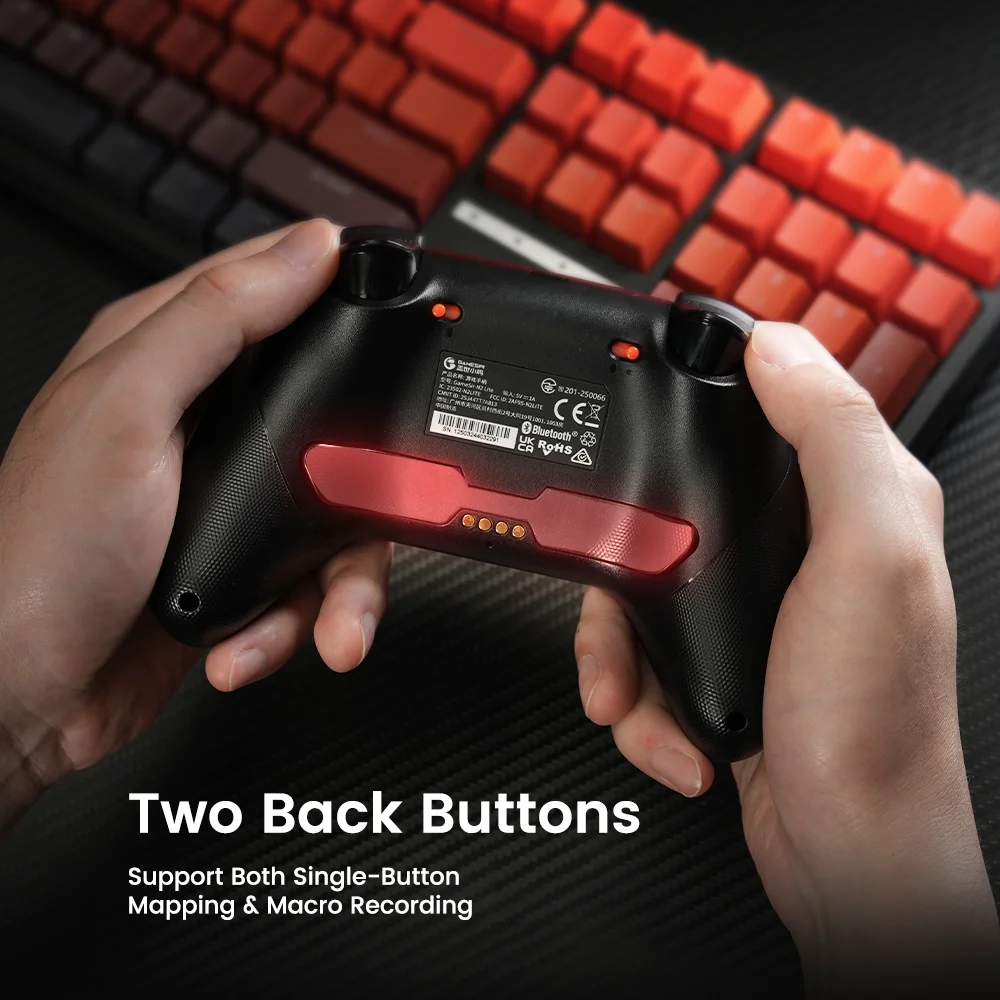
Two back buttons, supporting both single button mapping and macro recording
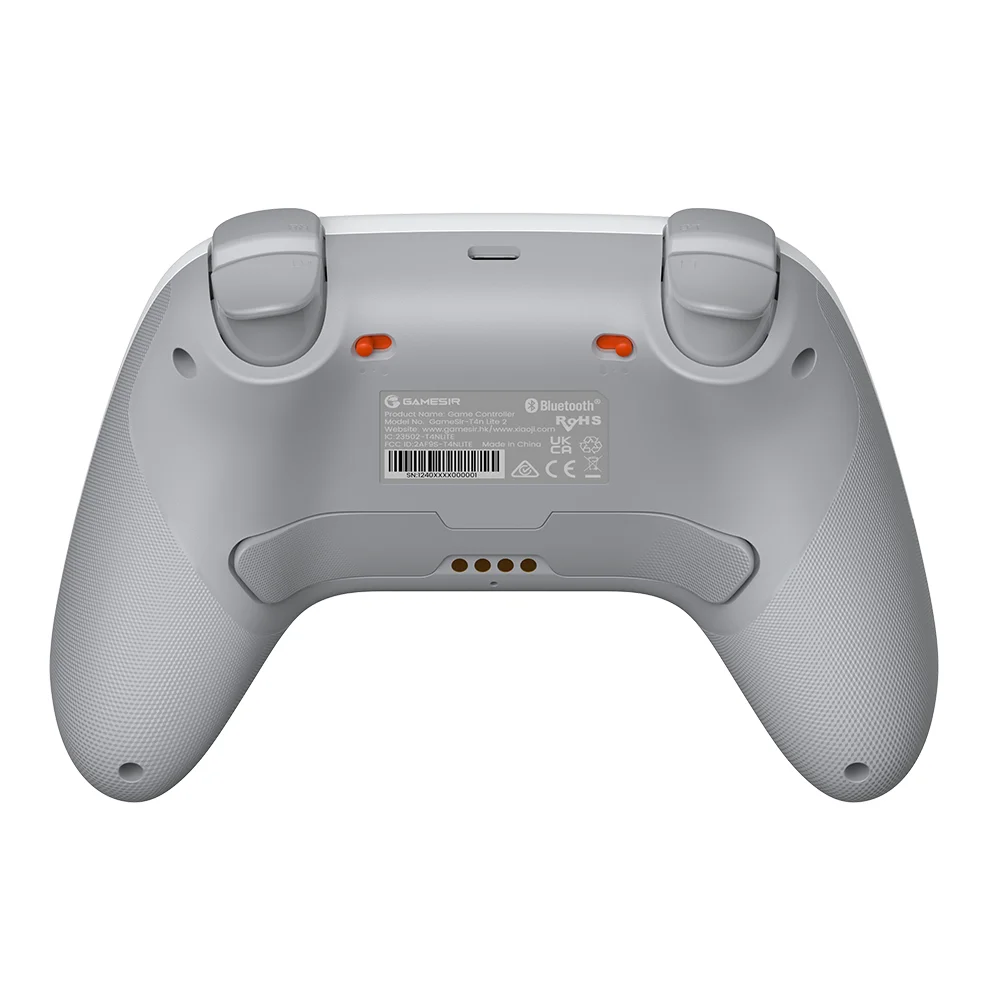
The Nova 2 Lite includes two back buttons that support both single button mapping and macro recording, giving gamers the flexibility to customize their controls for enhanced gameplay.
Dual asymmetric motors for immersive gameplay
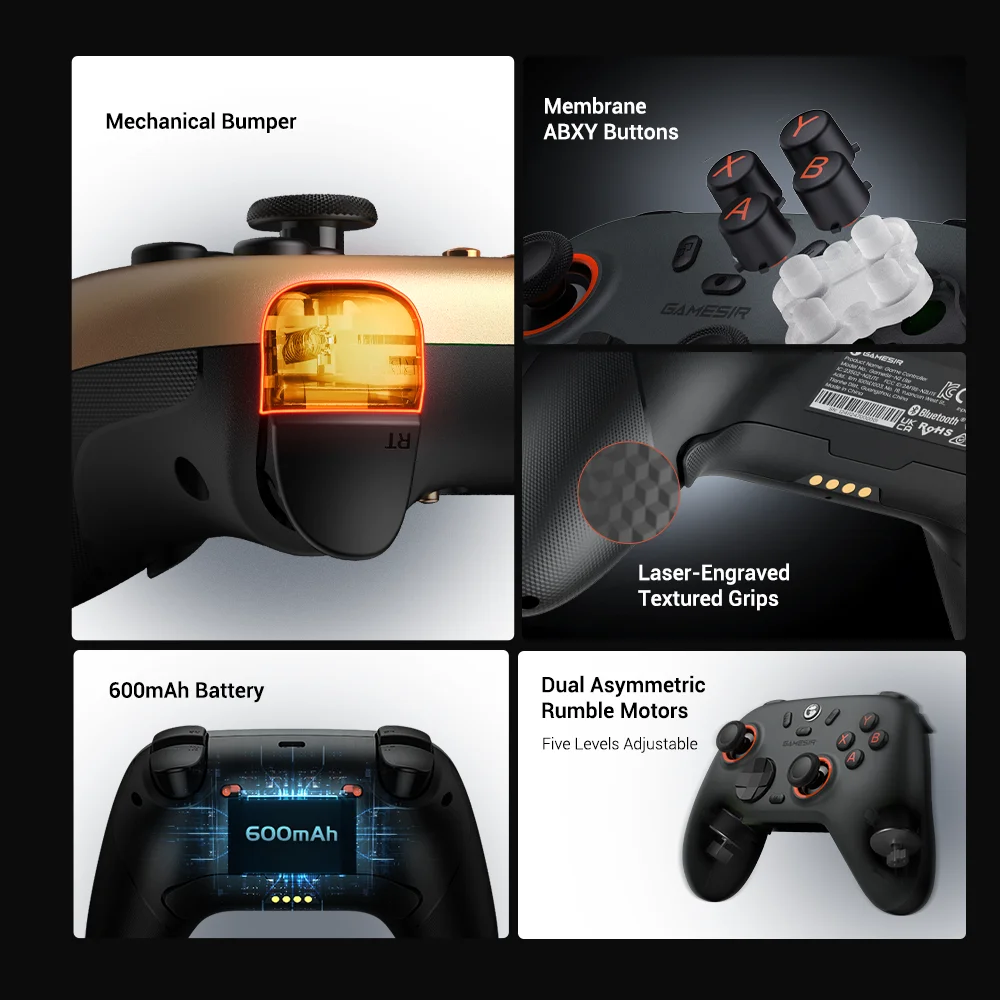
Equipped with dual asymmetric rumble motors, the Nova 2 Lite delivers both strong and subtle vibrations, making every small crash and shot feel as if they’re happening right in your hands.
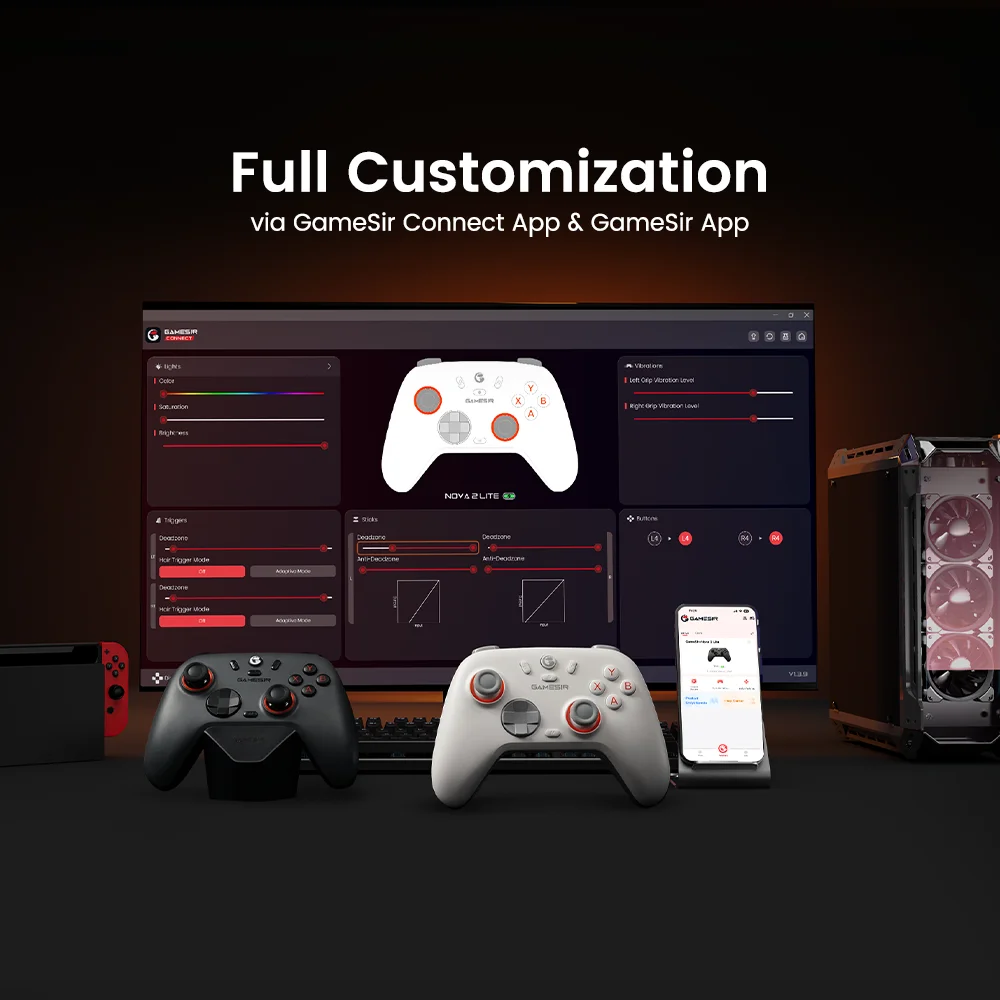
Full customization via GameSir Connect app and GameSir app
By downloading the GameSir app on mobile or GameSir Connect app on PC, gamers can perform firmware upgrades, adjust stick and trigger dead zones, customize vibration intensity, and test buttons, among other functions. Some features can also be accessed through on-the-fly button combinations, ensuring seamless adjustments.
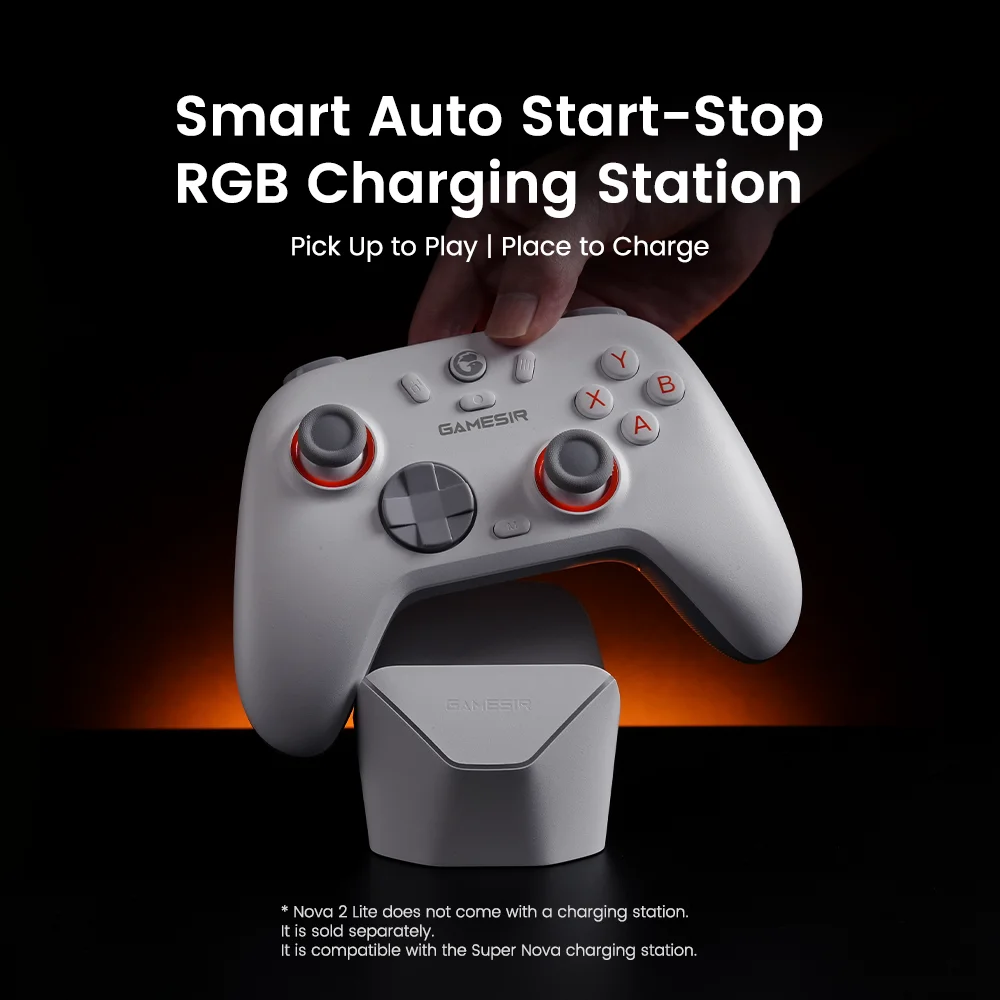
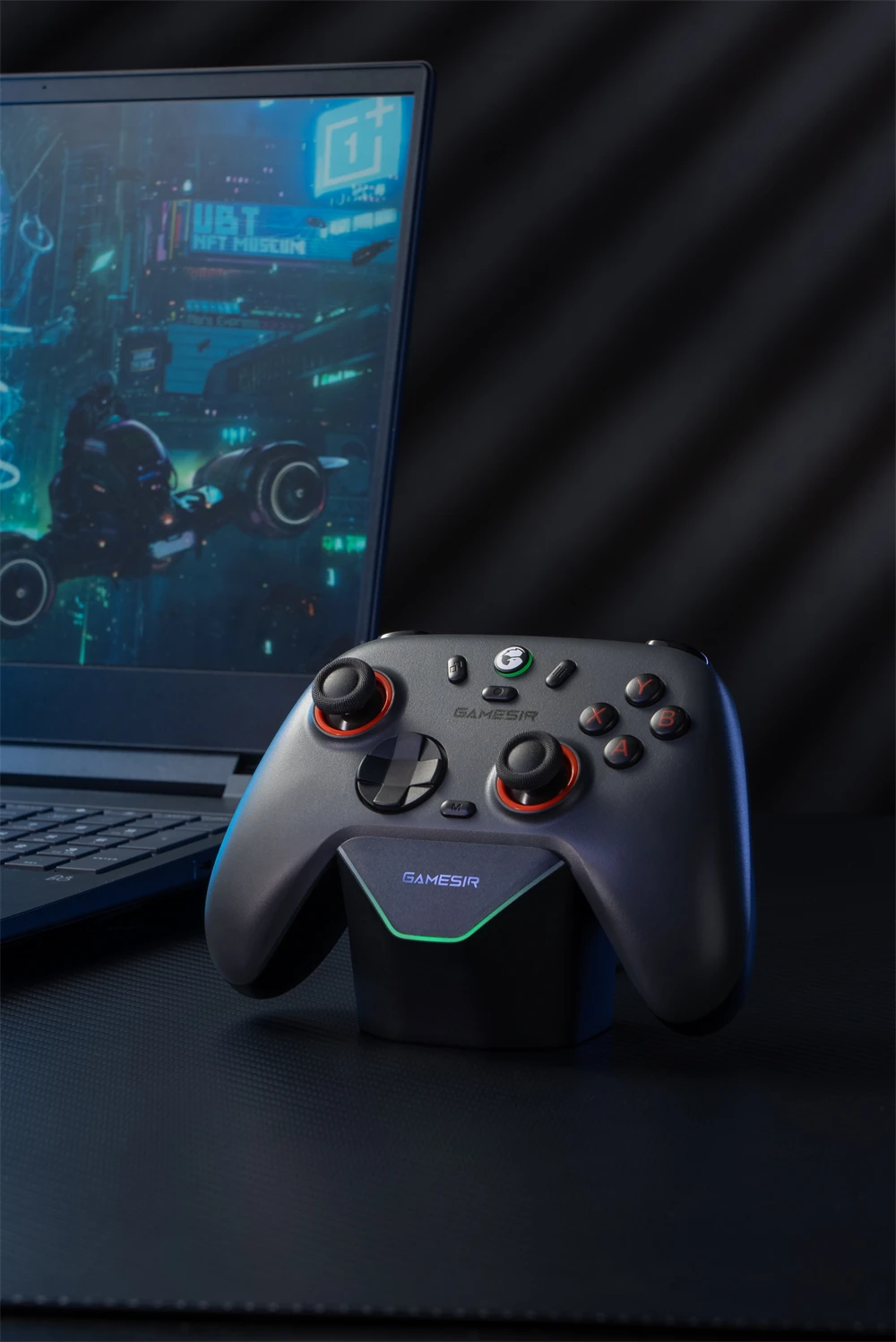
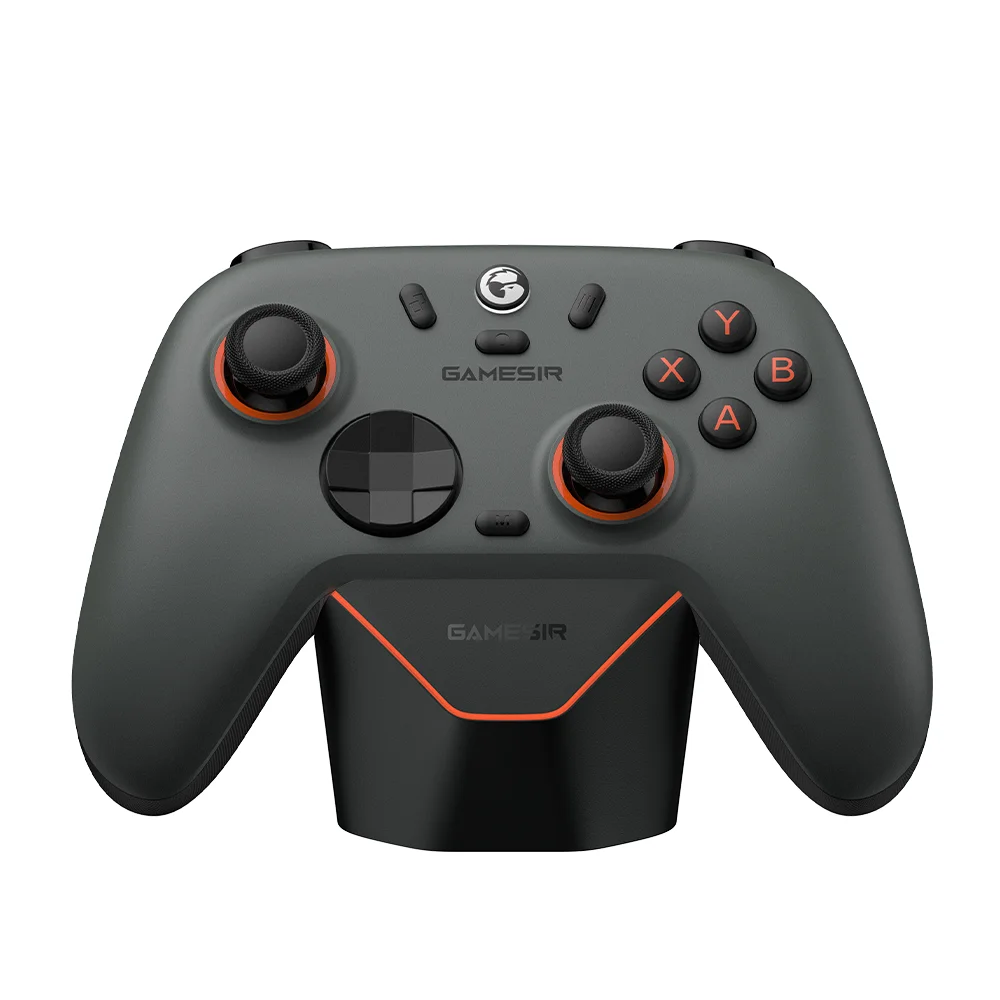
Smart auto start-stop charging station support
The Nova 2 Lite comes with a built-in 600mAh battery and supports a smart auto start-stop charging station (not included in the box). Simply pick up the controller to start playing, and when you're done, place it back on the station to recharge.
If you want the gamepad and charging station set, you need to buy the set edition.
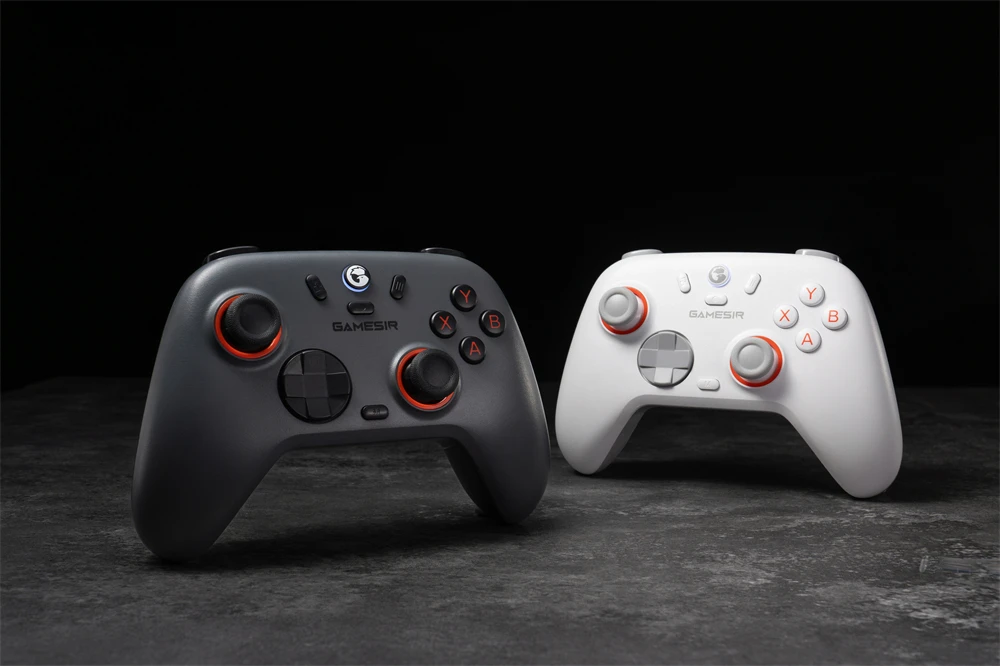
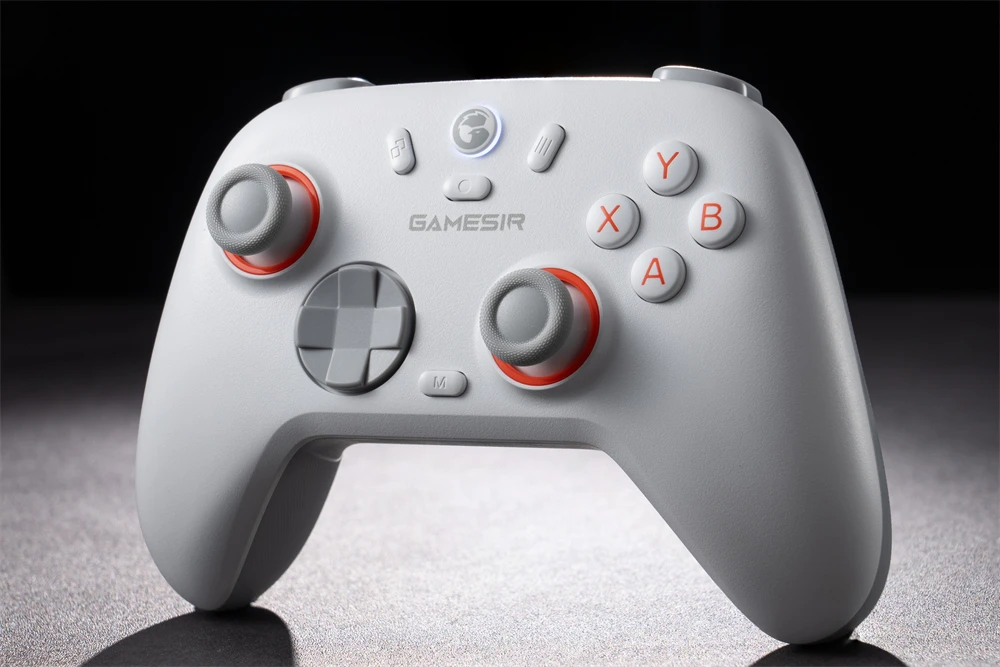
Luminous White
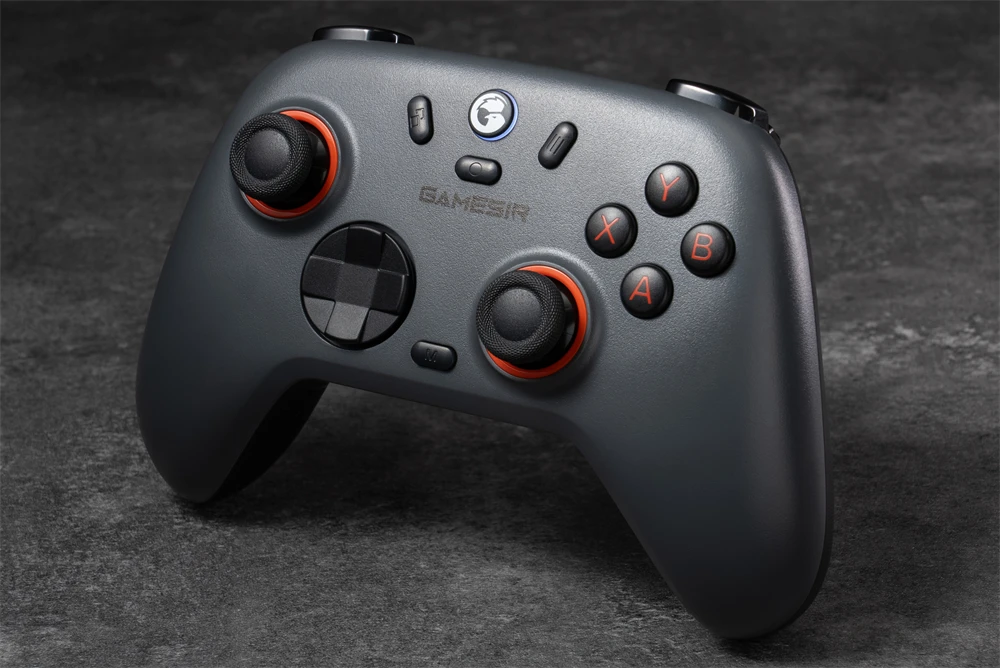
Midnight Gray
Tech Specs
Brand: GameSir
Model: Nova 2 Lite
Colors: Luminous White / Midnight Gray
Connection: Wireless / Wired
Wireless Technology: Bluetooth / 2.4GHz Wireless
Working Platforms: Nintendo Switch, Android, iOS, Windows PC and Steam
Joysticks: GameSir™ Hall Effect joysticks
Triggers: Hall Effect triggers with trigger stops
ABXY Buttons: Membrane
D-pad: Mechanical circular D-pad
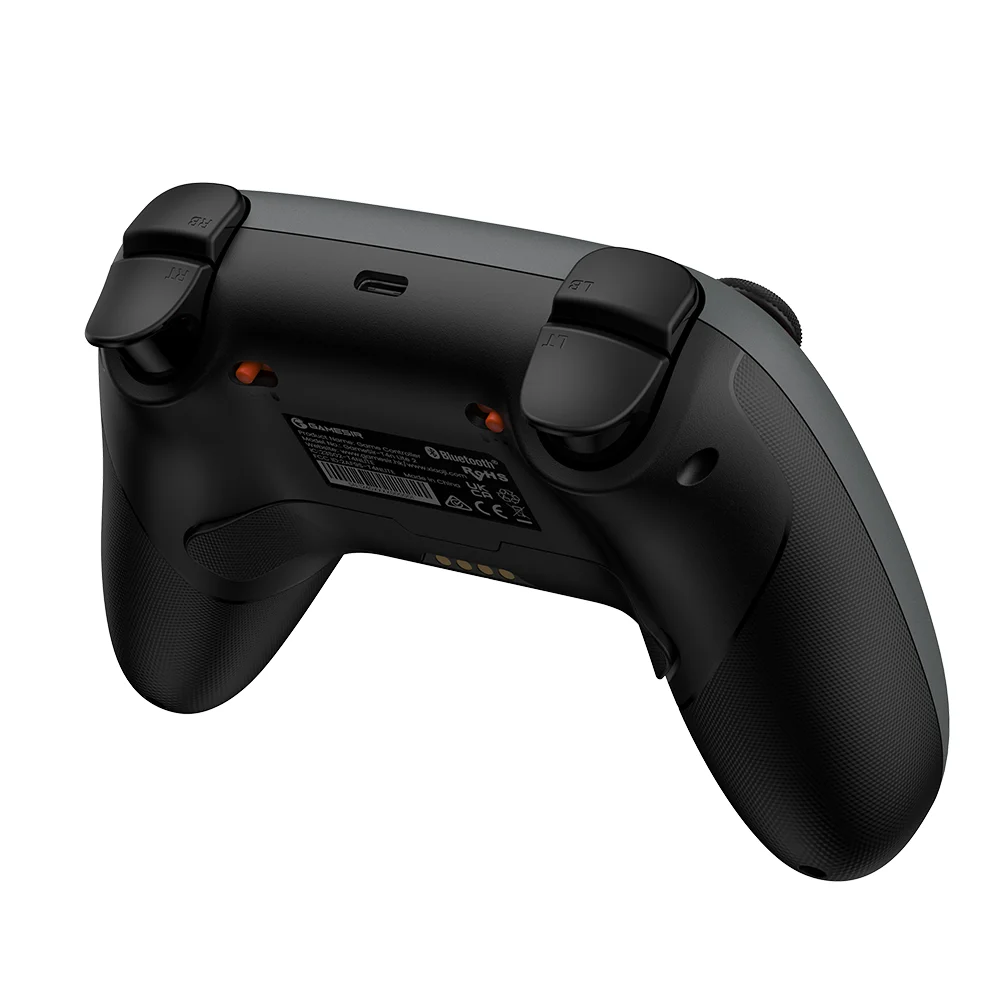
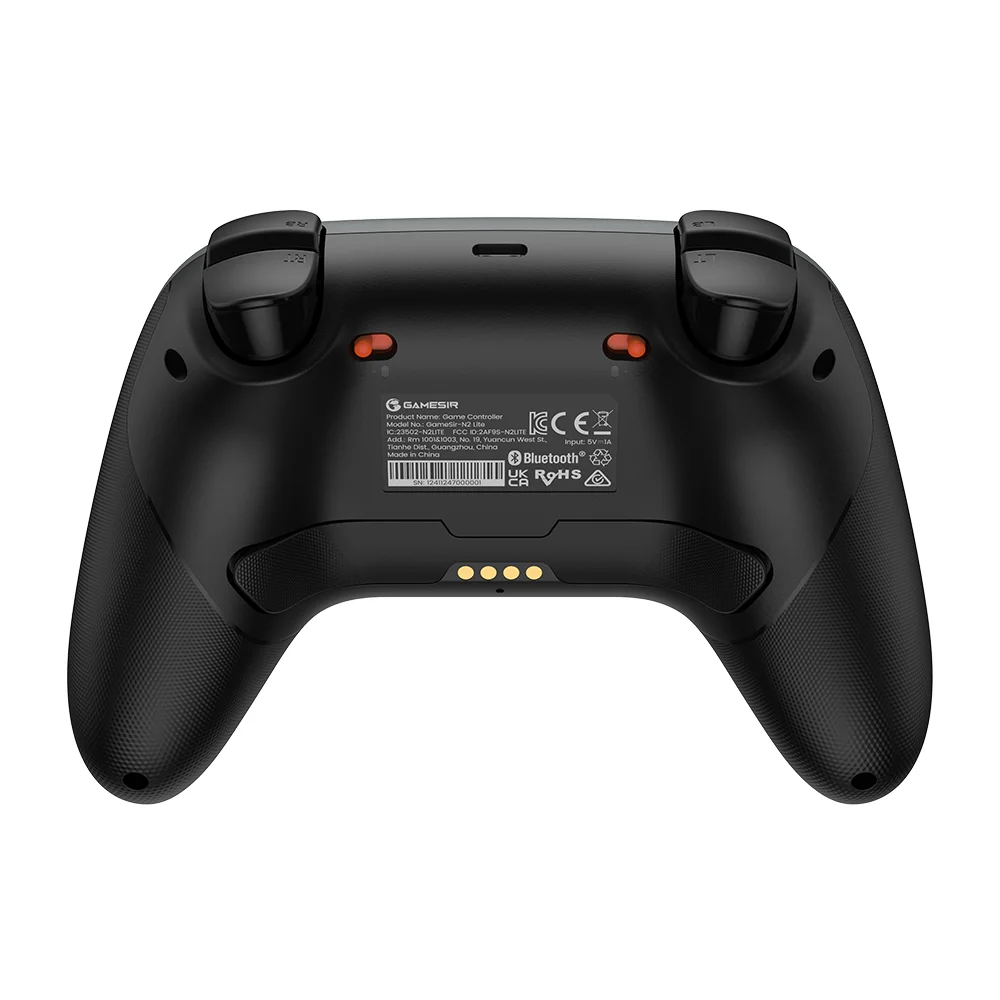
Back Buttons: Yes, 2 back buttons
Six-Axis Gyroscope: No
Rumble Motor: Dual asymmetric motors
Battery Capacity: built-in 600mAh lithium battery
Customization Software: GameSir Connect app for PC; GameSir app for mobile
Package Size: 159*150*63mm / 6.26*5.91*2.48in
Gross Weight: 440g / 0.97lbs
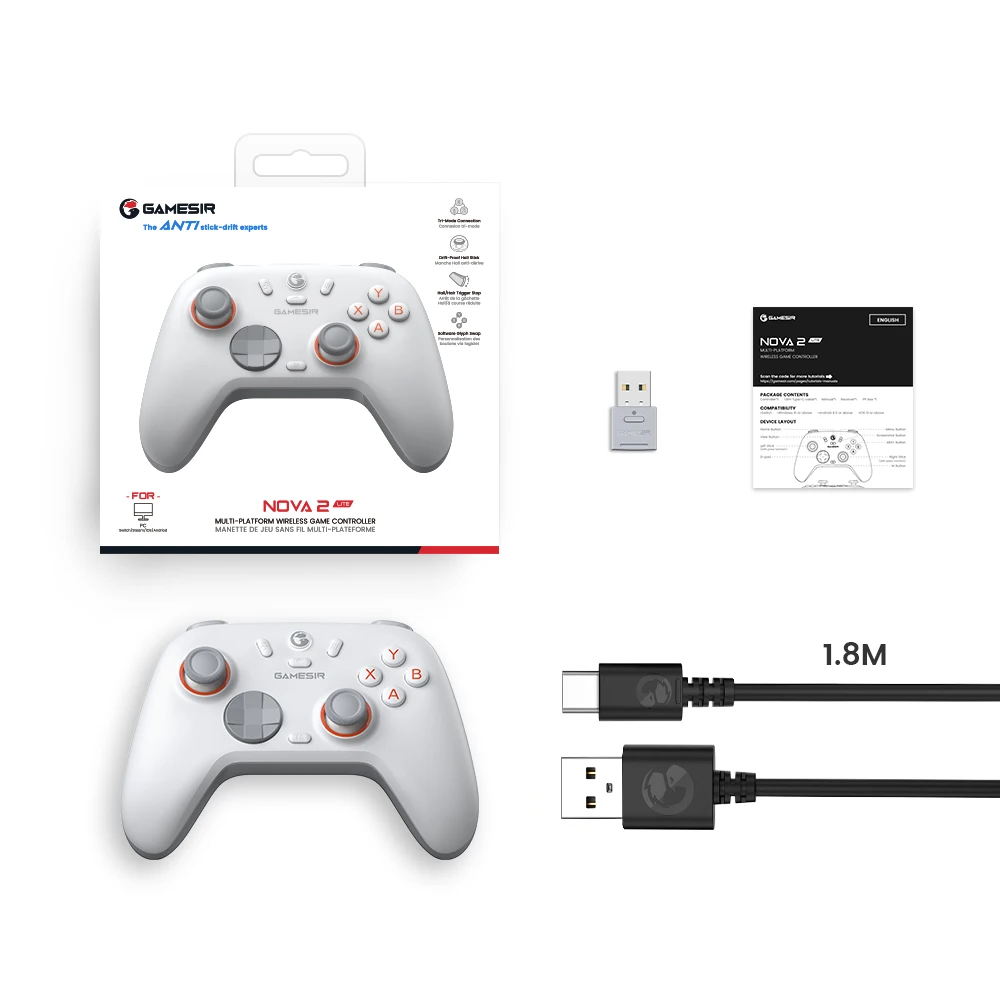
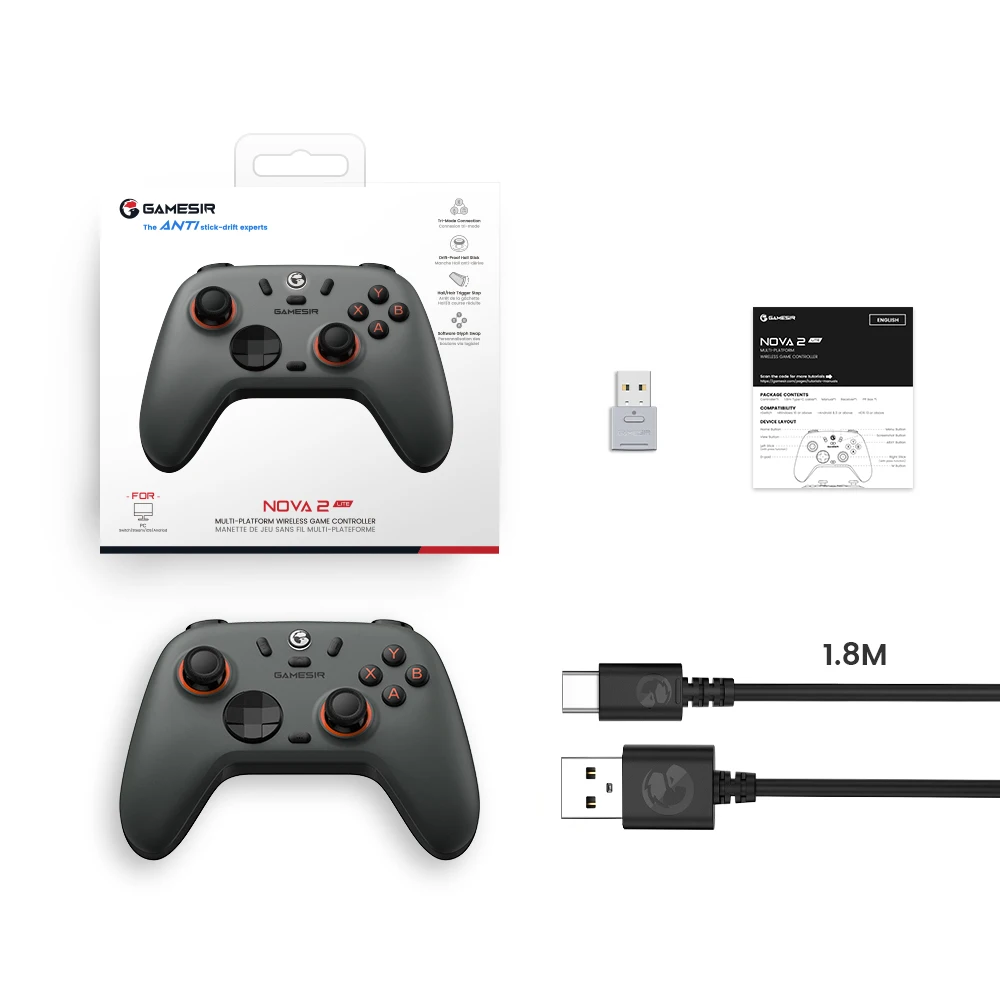
In the Box
1* GameSir Nova 2 Lite Game Controller
1* Wireless USB Receiver
1* Type-C Cable (1.8m)
1* User Manual
1* Charging Dock (Only included in Set Edition)
Windows Connection Tutorial
Bluetooth Connection
1. Press and hold until the Home indicator light flashes rapidly in blue.
2. Open the Bluetooth list on the device, find "Wireless Controller", and click to connect.
3. A solid Home indicator light indicates that the connection is successful.
* If the connection is unsuccessful, press and hold on the controller to re-enter pairing status.
Receiver Connection
1. Press and hold until the Home indicator light flashes rapidly in green.
2. Insert the receiver into the computer's USB-A port and press the paring button. Then, wait for the connection to establish.
3. A solid Home indicator light indicates that the connection is successful.
* If the connection is unsuccessful, press and hold on the controller and press the paring button on the receiver to re-enter pairing status.
Wired Connection
Connect the controller to the computer via the Type-C cable.
Switch Connection Tutorial
1. On the Switch main menu, go to “Controllers”-“Change Grip/Order”.
2. Press and hold until the Home indicator light flashes rapidly in red, then wait for the connection.
3. A solid Home indicator light indicates that the connection is successful.
* If the connection is unsuccessful, press and hold on the controller to re-enter pairing status.
Android Connection Tutorial
1. Press and hold until the Home indicator light flashes rapidly in yellow.
2. Open the Bluetooth list on the device, find "GameSir-Nova 2 Lite", and click to connect.
3. A solid Home indicator light indicates that the connection is successful.
* If the connection is unsuccessful, press and hold on the controller to re-enter pairing status.
G-Touch Mode Connection Tutorial
1. Press and hold until the Home indicator light flashes rapidly in cyan.
2. Open the Bluetooth list on the device, find "GameSir-Nova 2 Lite_G", and click to connect.
3. A solid Home indicator light indicates that the connection is successful.
* If the connection is unsuccessful, press and hold on the controller to re-enter pairing status.
iOS Connection Tutorial
1. Press and hold until the Home indicator light flashes rapidly in blue.
2. Open the Bluetooth list on the device, find "DUOSHOK4 Wireless Controller", and click to connect.
3. A solid Home indicator light indicates that the connection is successful.
* If the connection is unsuccessful, press and hold on the controller to re-enter pairing status.
Calibration
Sticks & Triggers
Set the triggers to their long travel distance. Hold simultaneously to enter calibration mode. The Home indicator light will flash slowly in white during this process. At this point, push both sticks all the way to their limits and rotate them 2-3 times. Press both triggers fully down 3 times. Finally, press the A button to exit. The Home indicator light will return to solid.
FAQ:
1. What platforms does the Nova 2 Lite support?
It supports Switch, PC, iOS, and Android.
2. Is the Nova 2 Lite wired or wireless?
The Nova 2 Lite offers tri-mode connectivity: Bluetooth, wired and wireless dongle connections.
3. What are the special features of the D-pad?
The Nova 2 Lite features mechanical circular D-pad, specially tuned by XiaoHai. Designed for quick reactions and accuracy in every direction, this D-pad elevates your gaming experience with superior responsiveness.
4. What are the special features of the sticks?
The Nova 2 Lite features GameSir™ Hall Effect sticks, delivering enhanced recentering performance for smoother control and superior anti-drift capability. Plus, with anti-friction rings, it minimizes stick grinding, extends usage time, and guarantees ultra-durability.
5. Does the Nova 2 Lite have Hall Effect analog triggers?
Yes. The Nova 2 Lite features Hall Effect analog triggers for superior smoothness. You can also quickly switch to hair trigger mode by holding M + LT/RT, or use trigger stops for shorter travel and faster response.
6. How many rumble motors does the Nova 2 Lite have?
The Nova 2 Lite has 2 rumble motors, with one in each grip, providing immersive vibration.
7. How many mappable buttons does the Nova 2 Lite have?
The Nova 2 Lite has 2 mappable back buttons, supporting both single button mapping and macro recording.
8. Can I change the button layout of the Nova 2 Lite?
You can’t physically change the layout. But you can swap the button values of A-B and X-Y buttons by holding for 2 seconds.
9. Does the Nova 2 Lite support Turbo function?
Yes, the Nova 2 Lite supports turbo function.
While holding the M button, press A/B/X/Y/LB/RB/LT/RT to activate the Turbo function for that button. Repeat this operation to deactivate.
* Double-click the M button to clear all Turbo settings.
10. Does the Nova 2 Lite support a 1000Hz polling rate?
Yes, it supports a 1000Hz polling rate for both wired and wireless dongle connections.
11. Does the Nova 2 Lite support a charging station?
Yes, it supports a smart auto start-stop charging station (not included, sold separately; compatible with the Super Nova’s charging station). Simply pick up the controller to start playing, and when you're done, place it back on the station to recharge effortlessly.
12. Does the Nova 2 Lite support customization via software?
Yes, it supports customization via the GameSir Connect app for PC and the GameSir app for mobile.
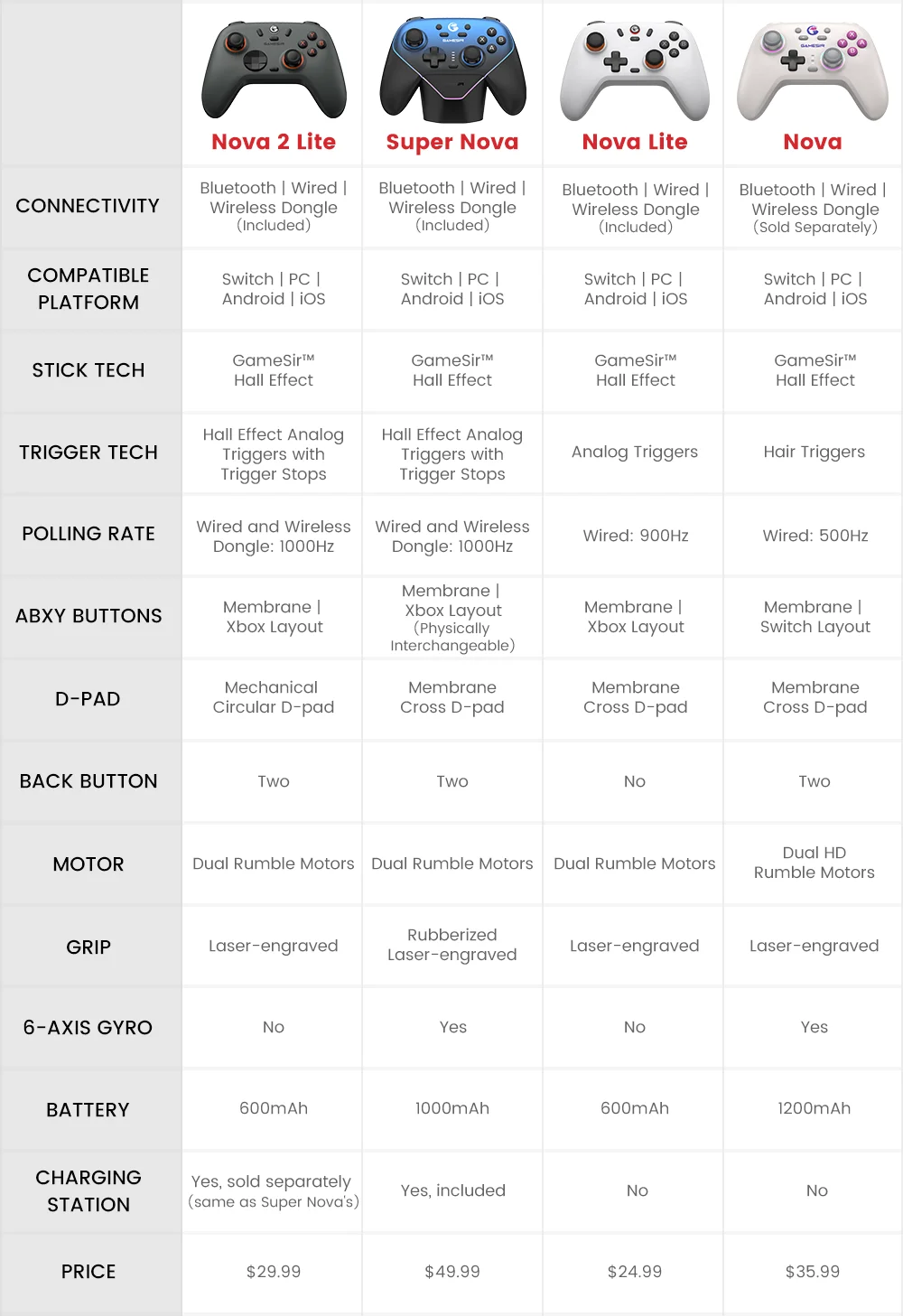
13. What are the differences between Nova 2 Lite, Super Nova, Nova Lite, and Nova?
Details
This product is crafted with quality materials to ensure durability and performance. Designed with your convenience in mind, it seamlessly fits into your everyday life.
Shipping & Returns
We strive to process and ship all orders in a timely manner, working diligently to ensure that your items are on their way to you as soon as possible.
We are committed to ensuring a positive shopping experience for all our customers. If for any reason you wish to return an item, we invite you to reach out to our team for assistance, and we will evaluate every return request with care and consideration.


